
Deleted Keys & Teams Audit Logs
Overview
Deleted Keys & Teams Audit Logs
View deleted API keys and teams along with their spend and budget information at the time of deletion for auditing and compliance purposes.
Overview
The Deleted Keys & Teams feature provides a comprehensive audit trail for deleted entities in your LiteLLM proxy. This feature was implemented to easily allow audits of which key or team was deleted along with the spend/budget at the time of deletion.
When a key or team is deleted, LiteLLM automatically captures:
- Deletion timestamp - When the entity was deleted
- Deleted by - Who performed the deletion action
- Spend at deletion - The total spend accumulated at the time of deletion
- Original budget - The budget that was set for the entity before deletion
- Entity details - Key or team identification information
This information is preserved even after deletion, allowing you to maintain accurate financial records and audit trails for compliance purposes.
Viewing Deleted Keys
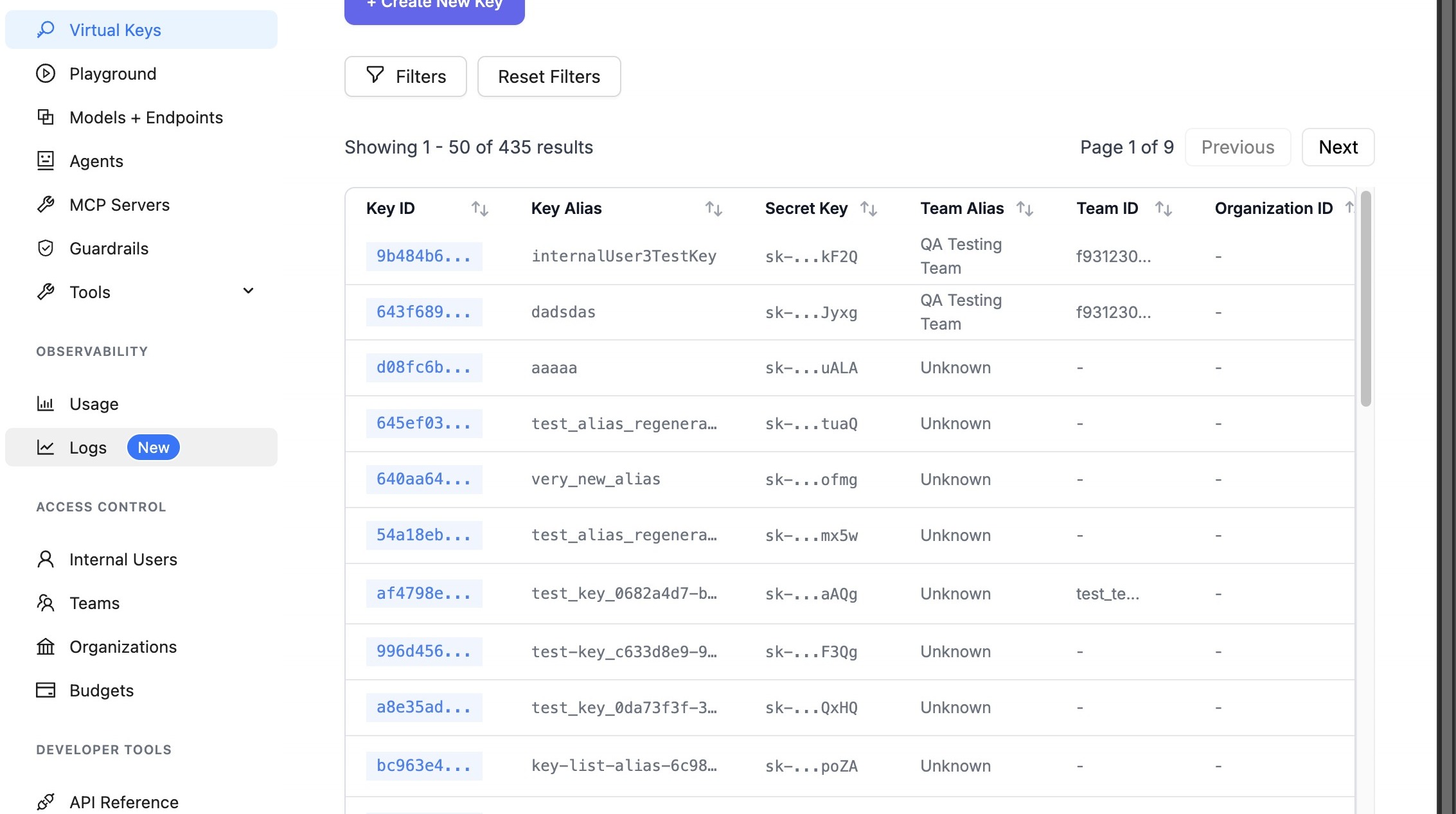
Step 1: Navigate to API Keys Page
Navigate to the API Keys page in the LiteLLM UI:
http://localhost:4000/ui/?login=success&page=api-keys
Step 2: Access Logs Section
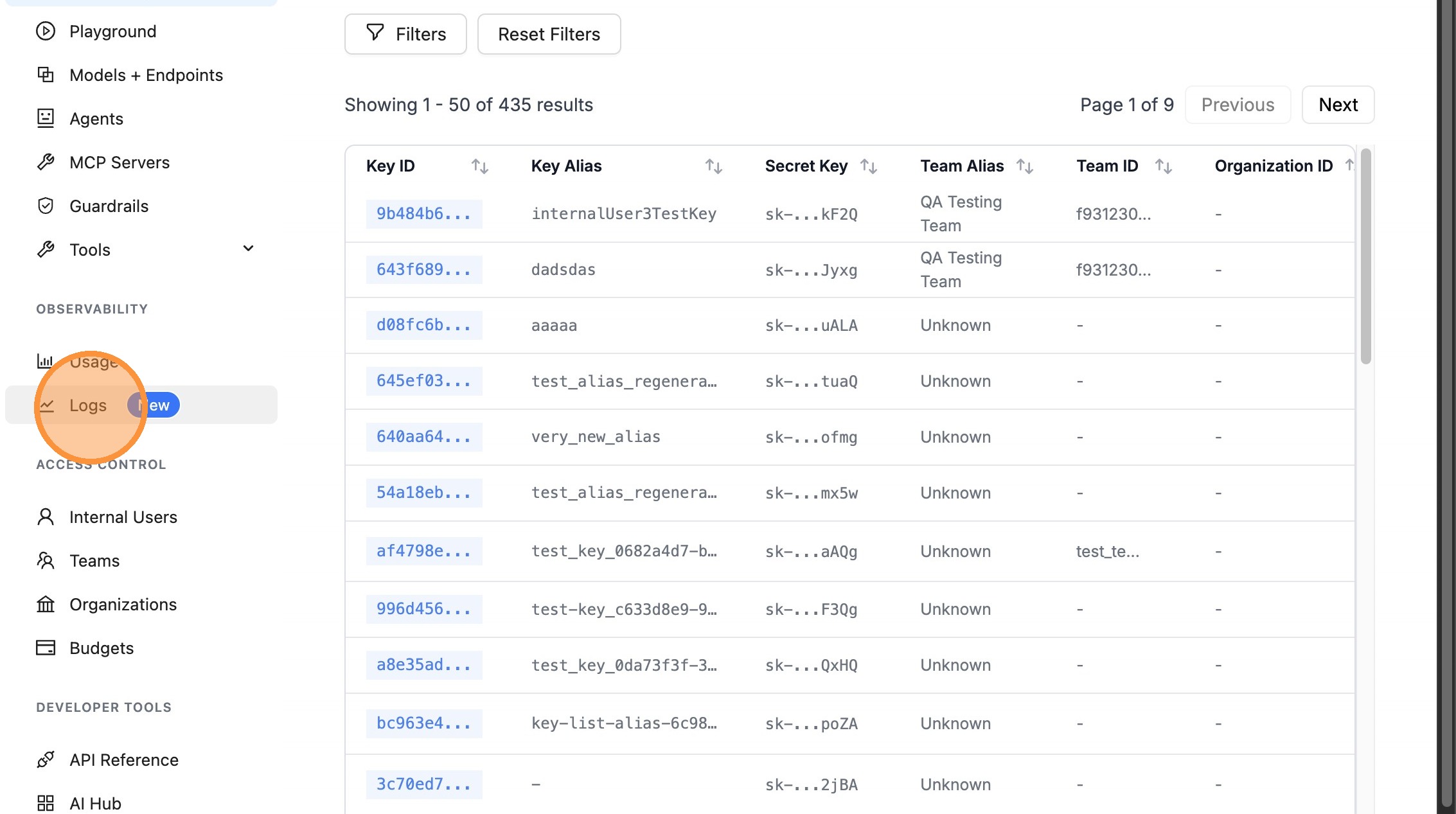
Click on the "Logs" menu item in the navigation.
Step 3: View Deleted Keys
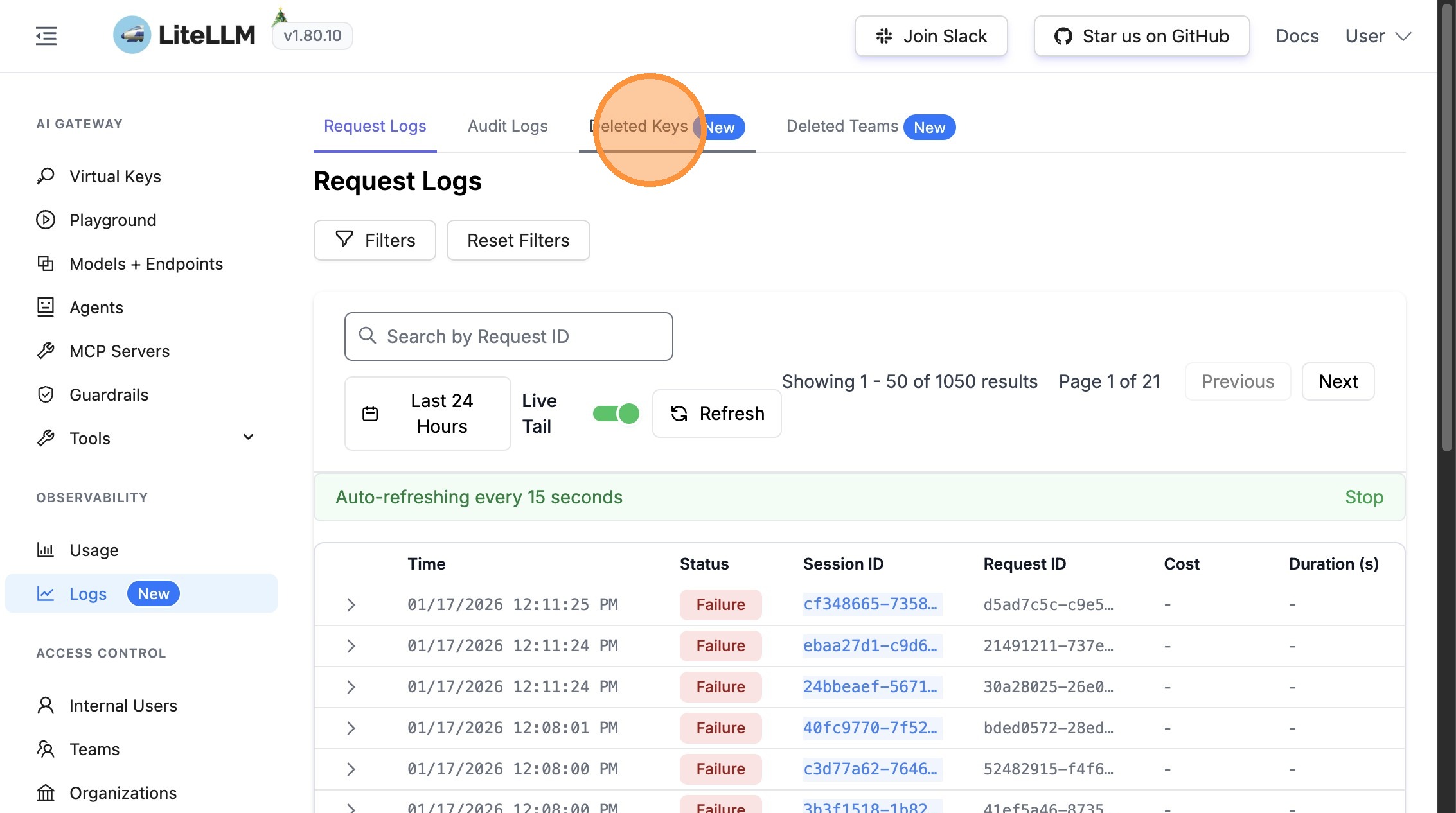
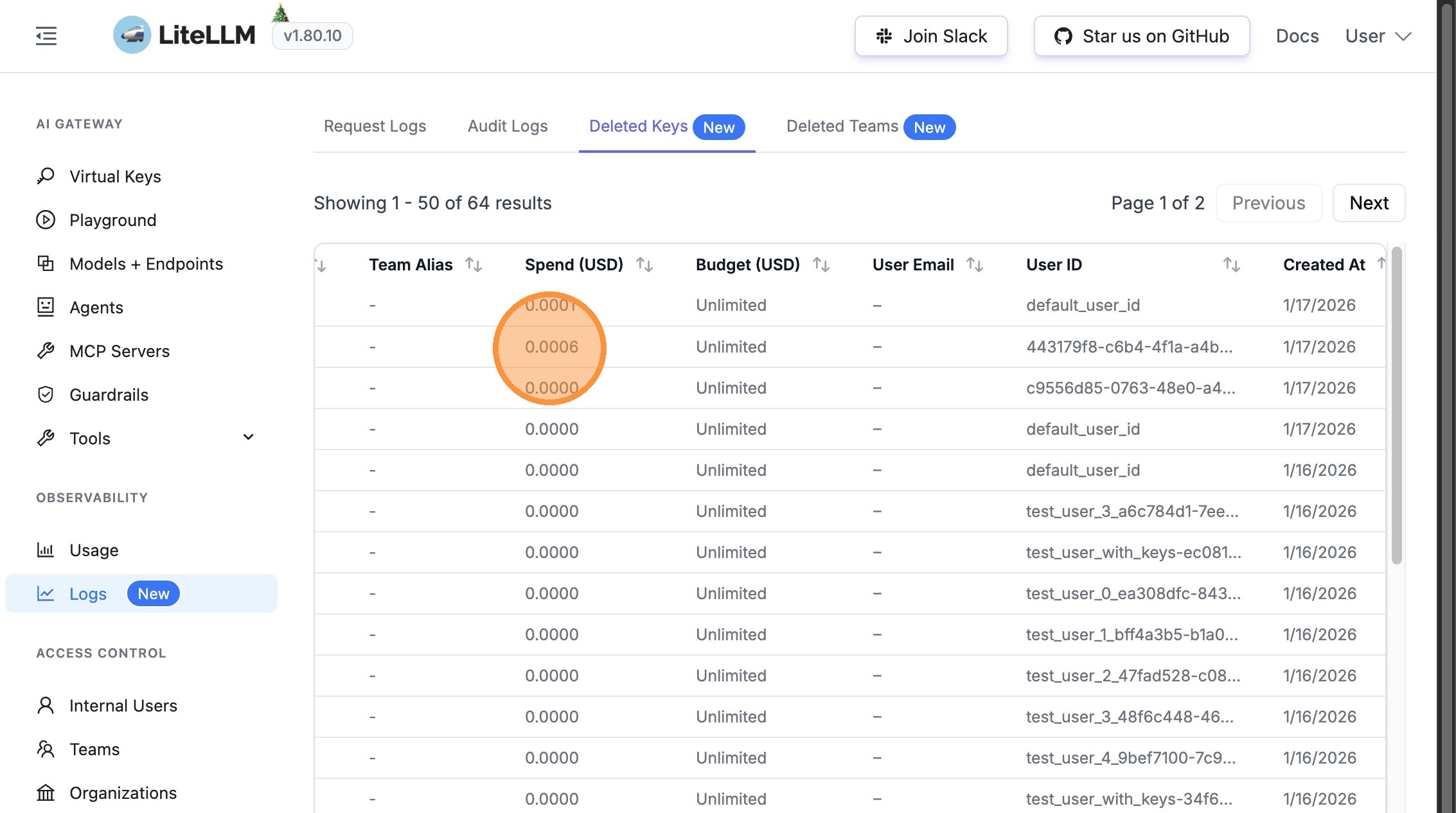
Click on "Deleted Keys" to view the table of all deleted API keys.
Step 4: Review Deletion Information
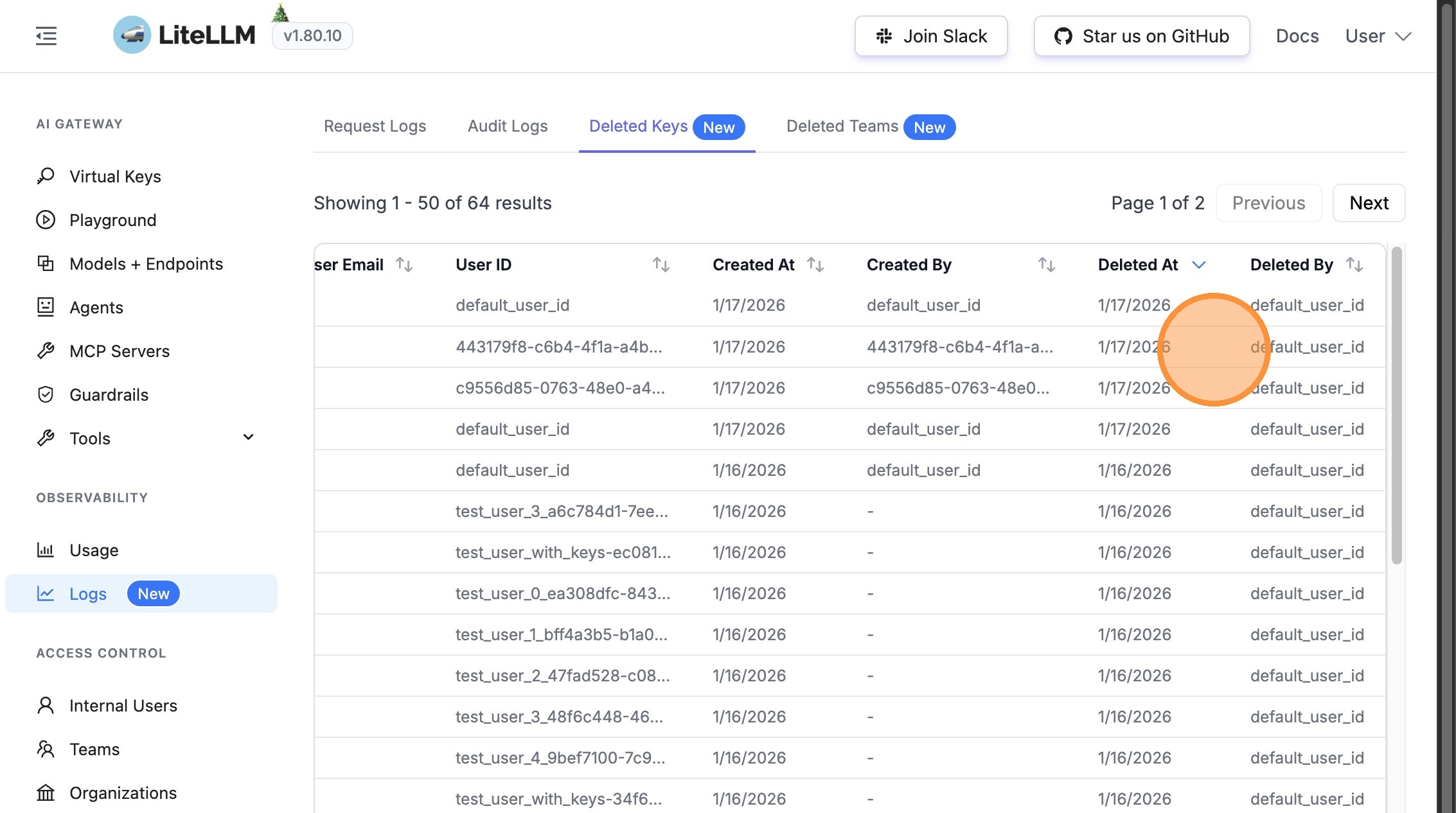
The Deleted Keys table includes comprehensive information about each deleted key:
- When the key was deleted (timestamp)
- Who deleted the key (user/admin information)
- Key identification details
Step 5: View Financial Information
The table also displays financial information captured at the time of deletion:
- Spend at deletion - Total spend accumulated when the key was deleted
- Original budget - The budget limit that was set for the key
Viewing Deleted Teams
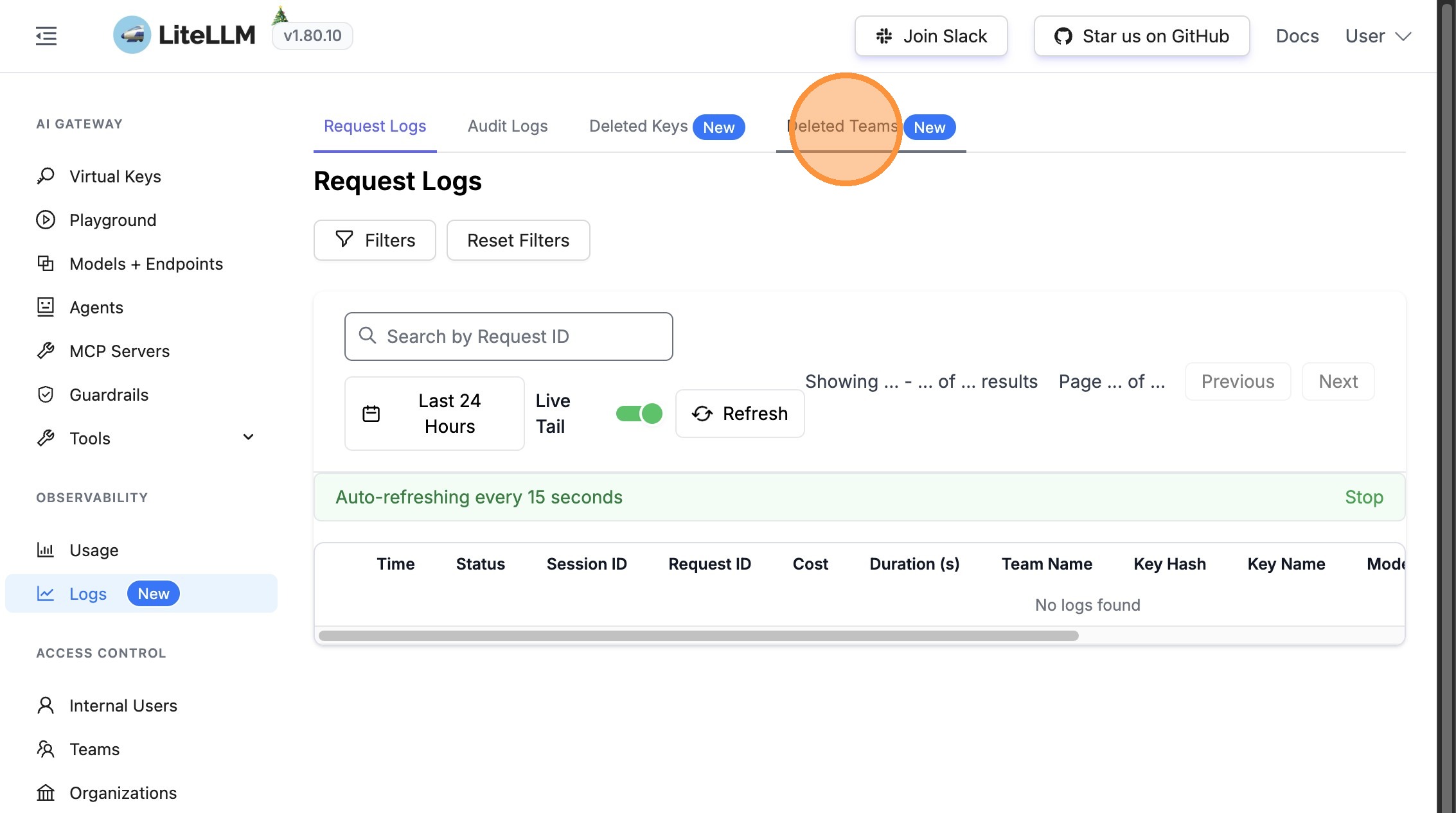
Step 1: Access Deleted Teams
From the Logs section, click on "Deleted Teams" to view all deleted teams.
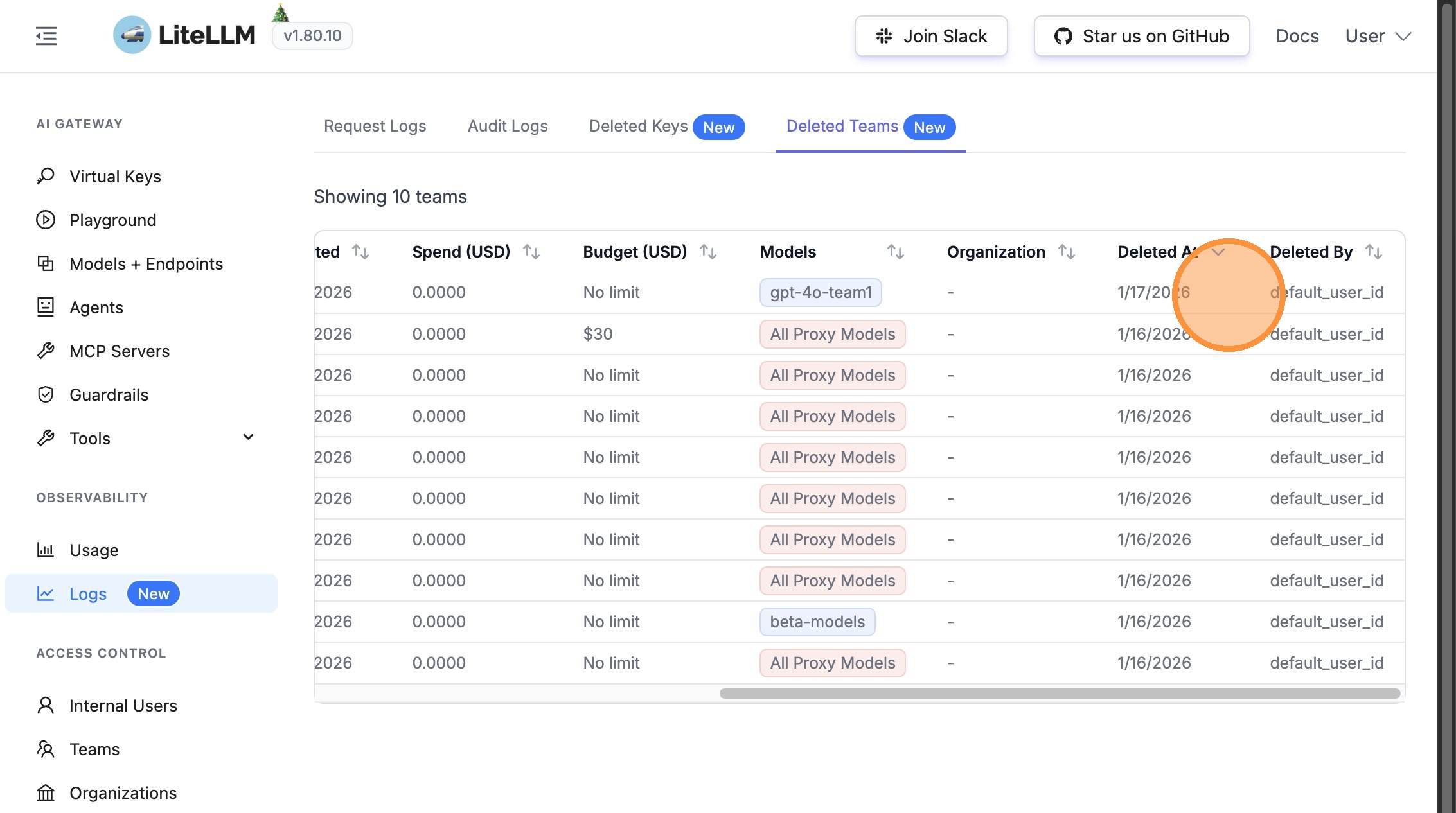
Step 2: Review Team Deletion Information
The Deleted Teams table provides detailed information about each deleted team:
- When the team was deleted (timestamp)
- Who deleted the team (user/admin information)
- Team identification details
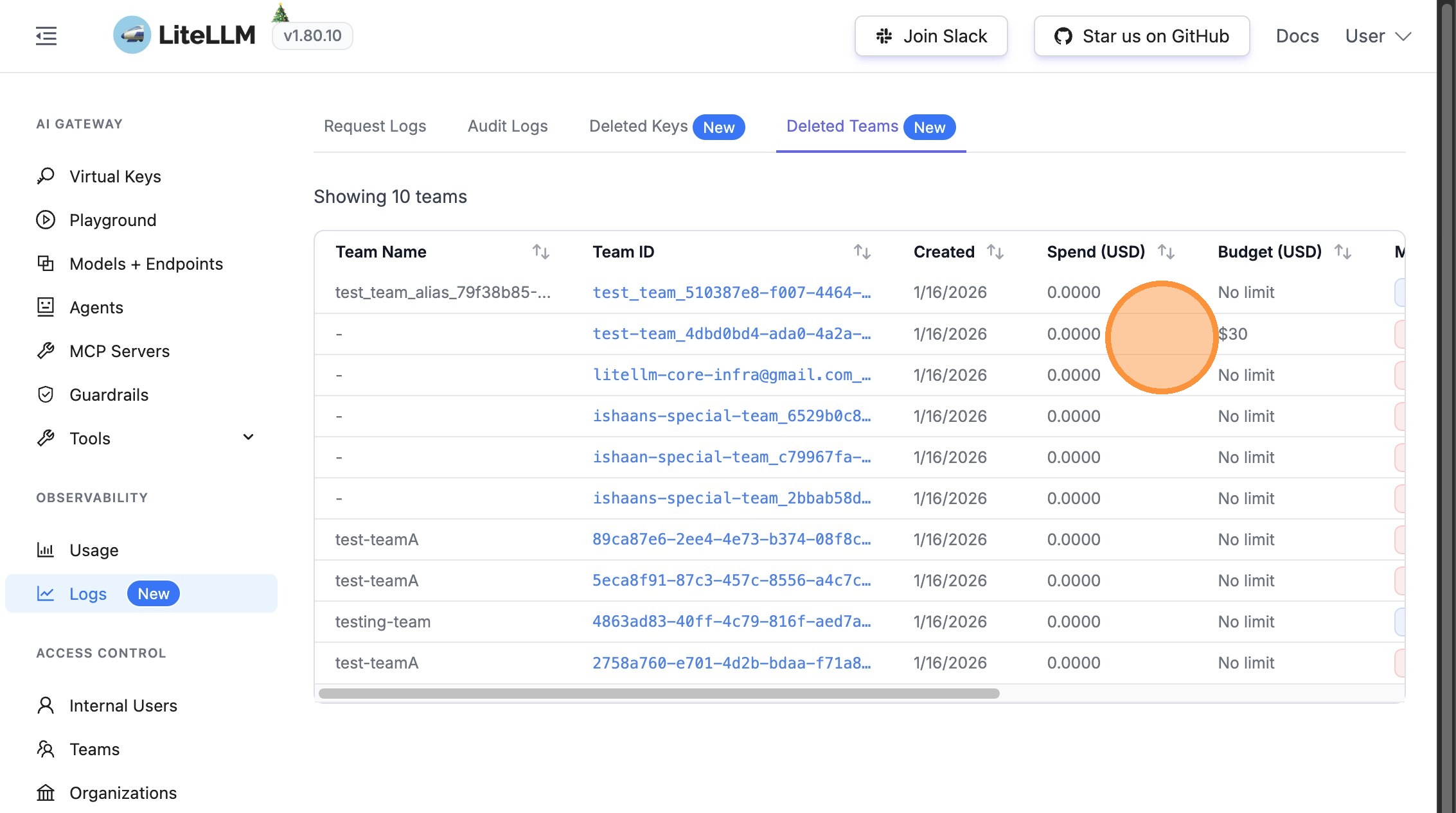
Step 3: View Team Financial Information
Similar to deleted keys, the Deleted Teams table shows financial information:
- Spend at deletion - Total spend accumulated when the team was deleted
- Original budget - The budget limit that was set for the team
Use Cases
This feature is particularly useful for:
- Financial Auditing - Track spend and budgets for deleted entities
- Compliance - Maintain records of who deleted what and when
- Cost Analysis - Understand spending patterns before deletion
- Accountability - Identify which admin or user performed deletions
- Historical Records - Preserve financial data even after entity deletion
Related Features
- Audit Logs - View comprehensive audit logs for all entity changes
- UI Logs - View request logs and spend tracking