
[Beta] Guardrail Policies
import Image from '@theme/IdealImage'; import Tabs from '@theme/Tabs'; import TabItem from '@theme/TabItem';
Overview
[Beta] Guardrail Policies
Use policies to group guardrails and control which ones run for specific teams, keys, or models.
Why use policies?
- Enable/disable specific guardrails for teams, keys, or models
- Group guardrails into a single policy
- Inherit from existing policies and override what you need
Quick Start
model_list:
  - model_name: gpt-4
    litellm_params:
      model: openai/gpt-4

# 1. Define your guardrails
guardrails:
  - guardrail_name: pii_masking
    litellm_params:
      guardrail: presidio
      mode: pre_call

  - guardrail_name: prompt_injection
    litellm_params:
      guardrail: lakera
      mode: pre_call
      api_key: os.environ/LAKERA_API_KEY

# 2. Create a policy
policies:
  my-policy:
    guardrails:
      add:
        - pii_masking
        - prompt_injection

# 3. Attach the policy
policy_attachments:
  - policy: my-policy
    scope: "*"  # apply to all requests
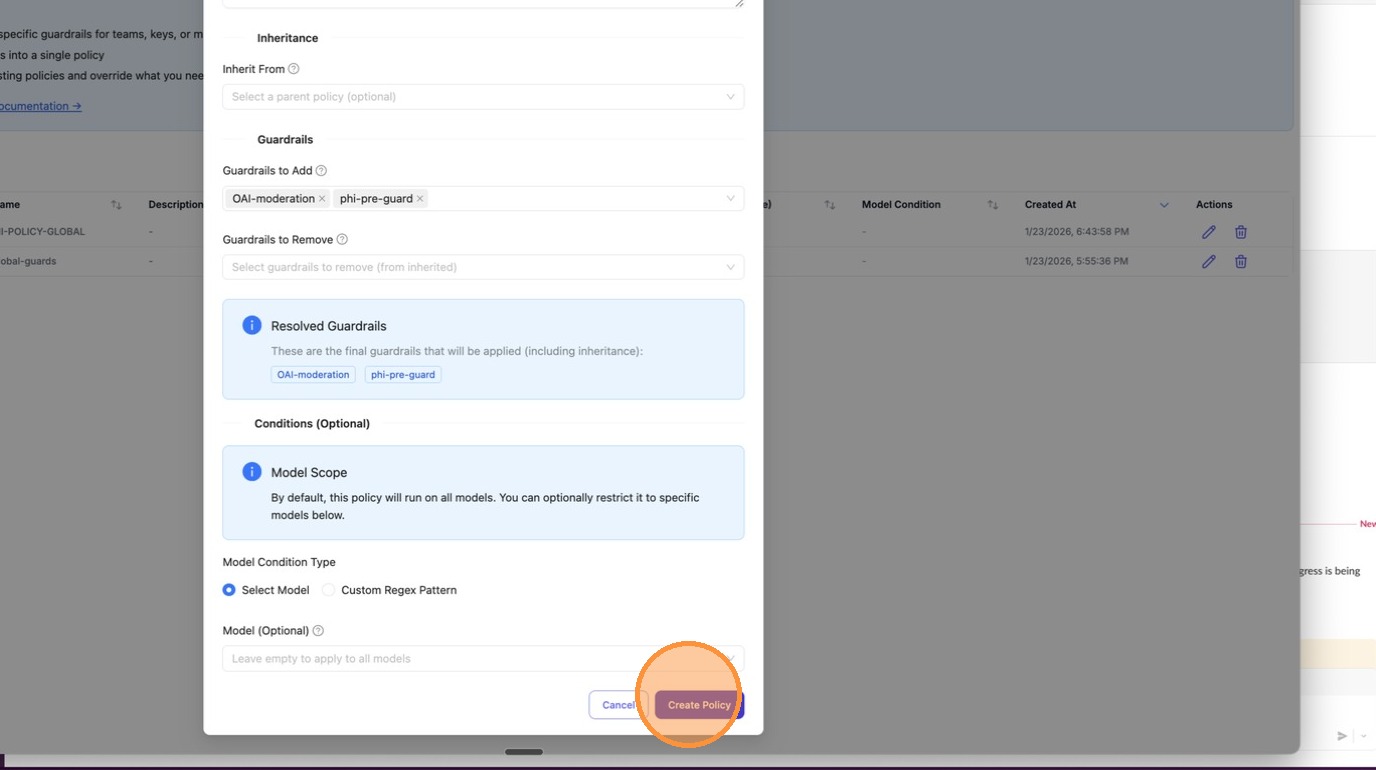
Step 1: Create a Policy
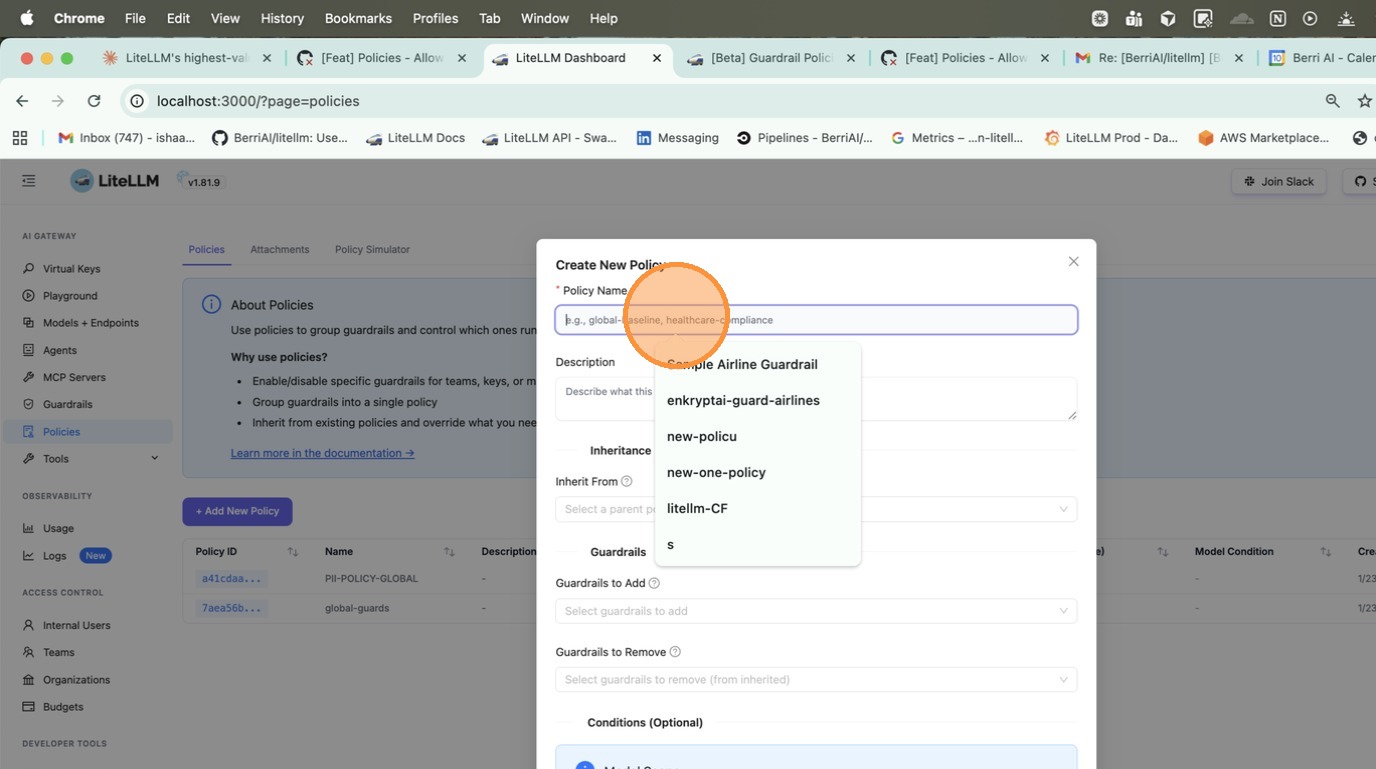
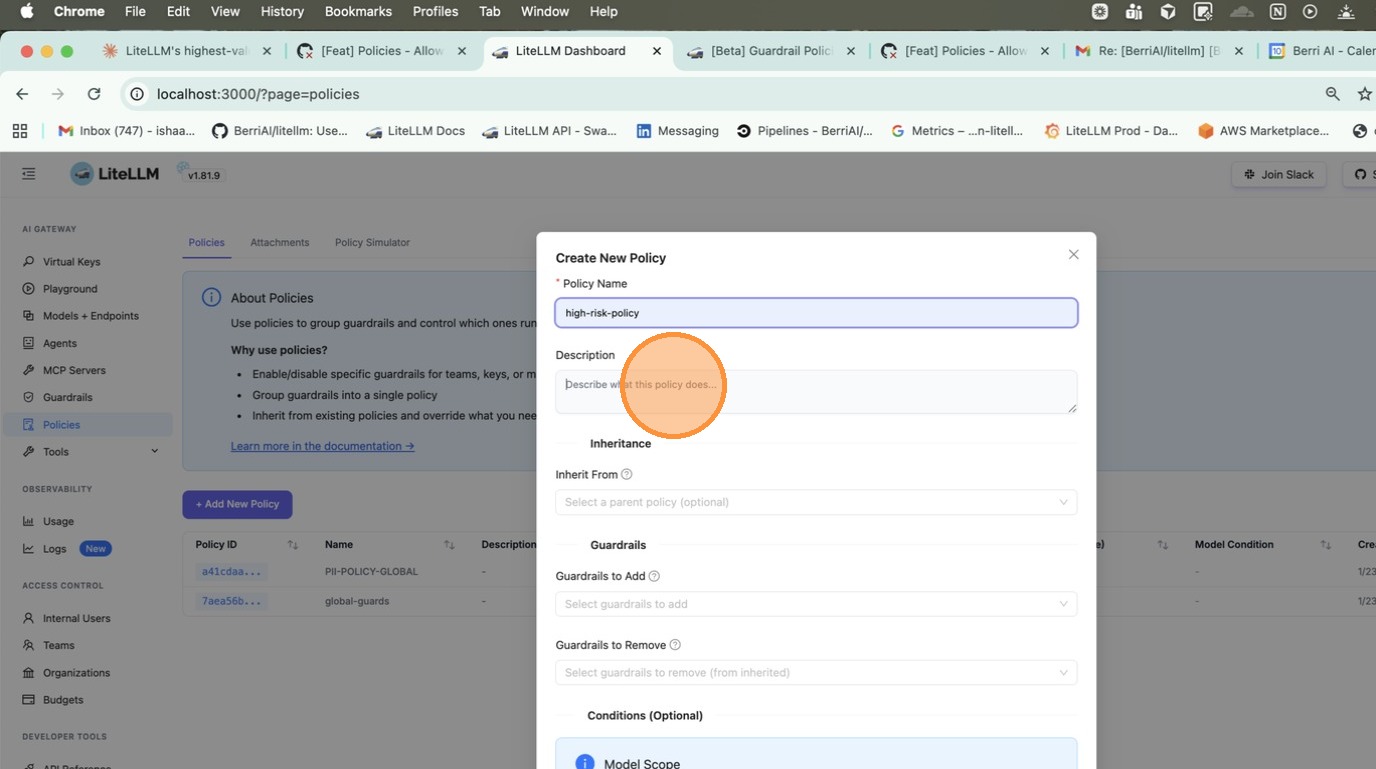
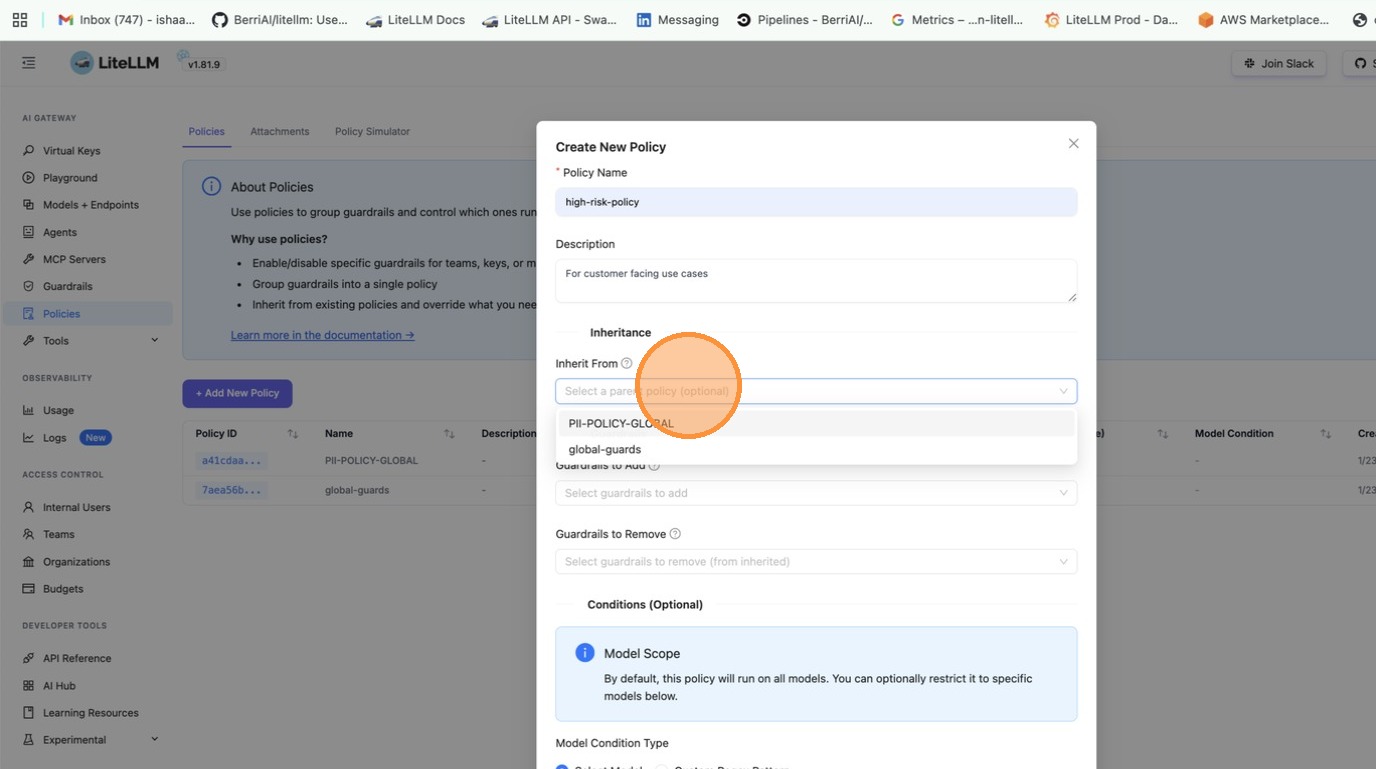
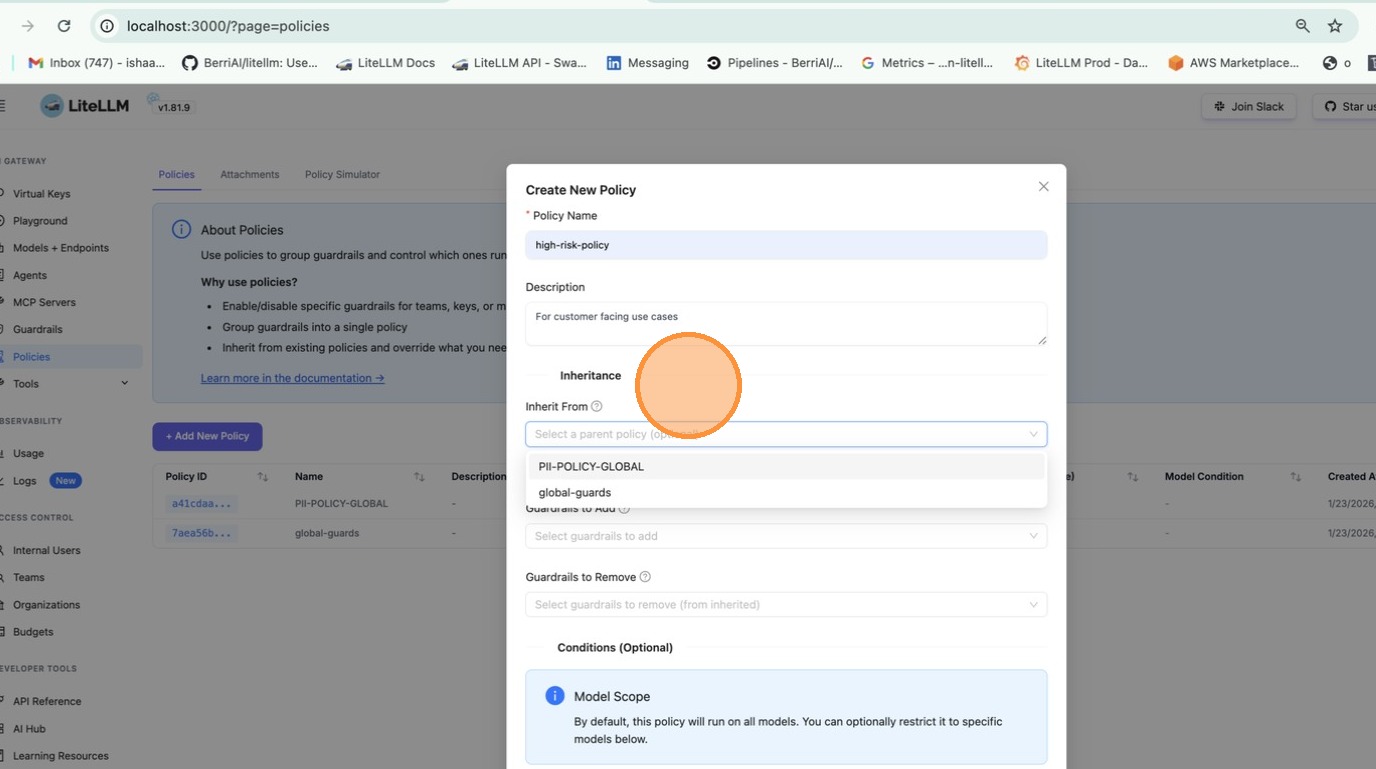
Go to Policies tab and click + Create New Policy. Fill in the policy name, description, and select guardrails to add.
Response headers show what ran:
x-litellm-applied-policies: my-policy
x-litellm-applied-guardrails: pii_masking,prompt_injection
Add guardrails for a specific team
:::info ✨ Enterprise only feature for team/key-based policy attachments. Get a free trial :::
You have a global baseline, but want to add extra guardrails for a specific team.
policies:
  global-baseline:
    guardrails:
      add:
        - pii_masking

  finance-team-policy:
    inherit: global-baseline
    guardrails:
      add:
        - strict_compliance_check
        - audit_logger

policy_attachments:
  - policy: global-baseline
    scope: "*"

  - policy: finance-team-policy
    teams:
      - finance  # team alias from /team/new
Option 1: Create a team-scoped attachment
Go to Policies > Attachments tab and click + Create New Attachment. Select the policy and the teams to scope it to.
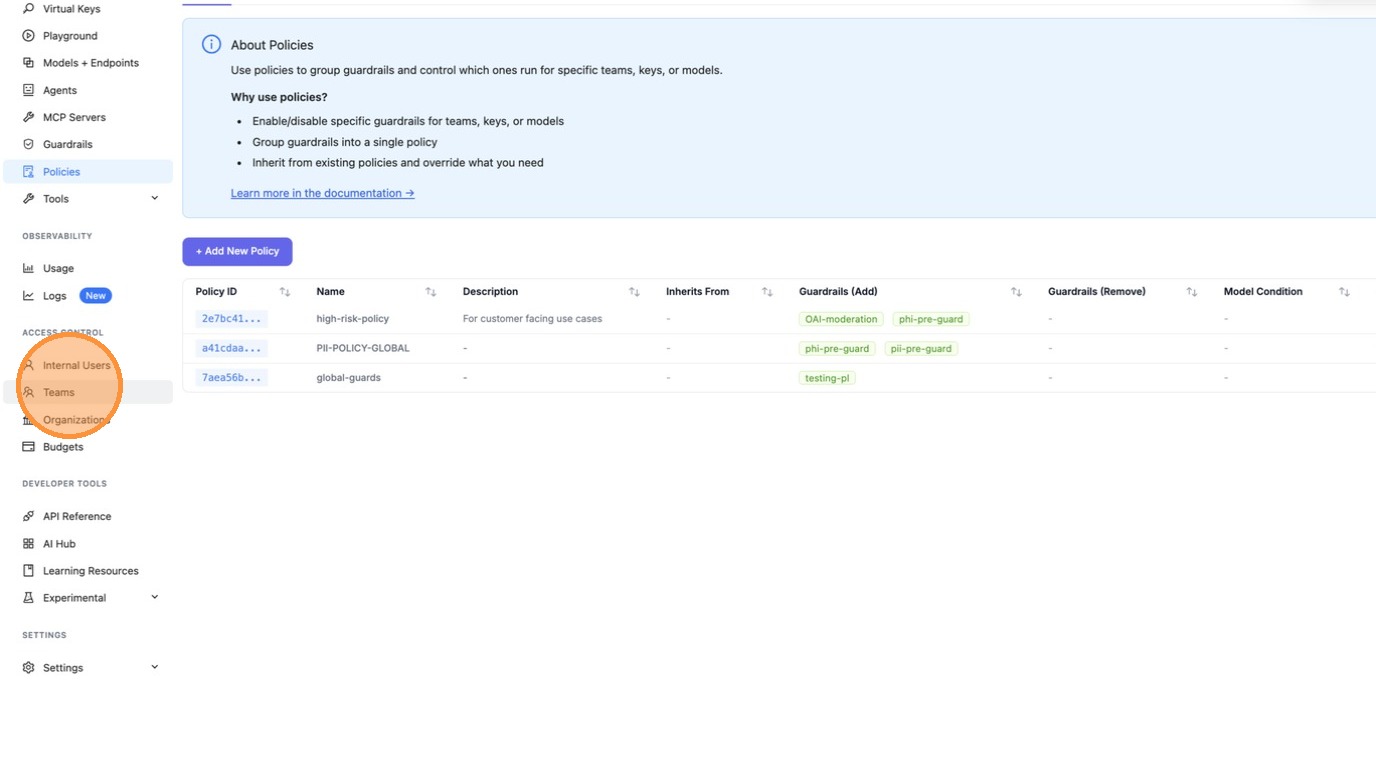
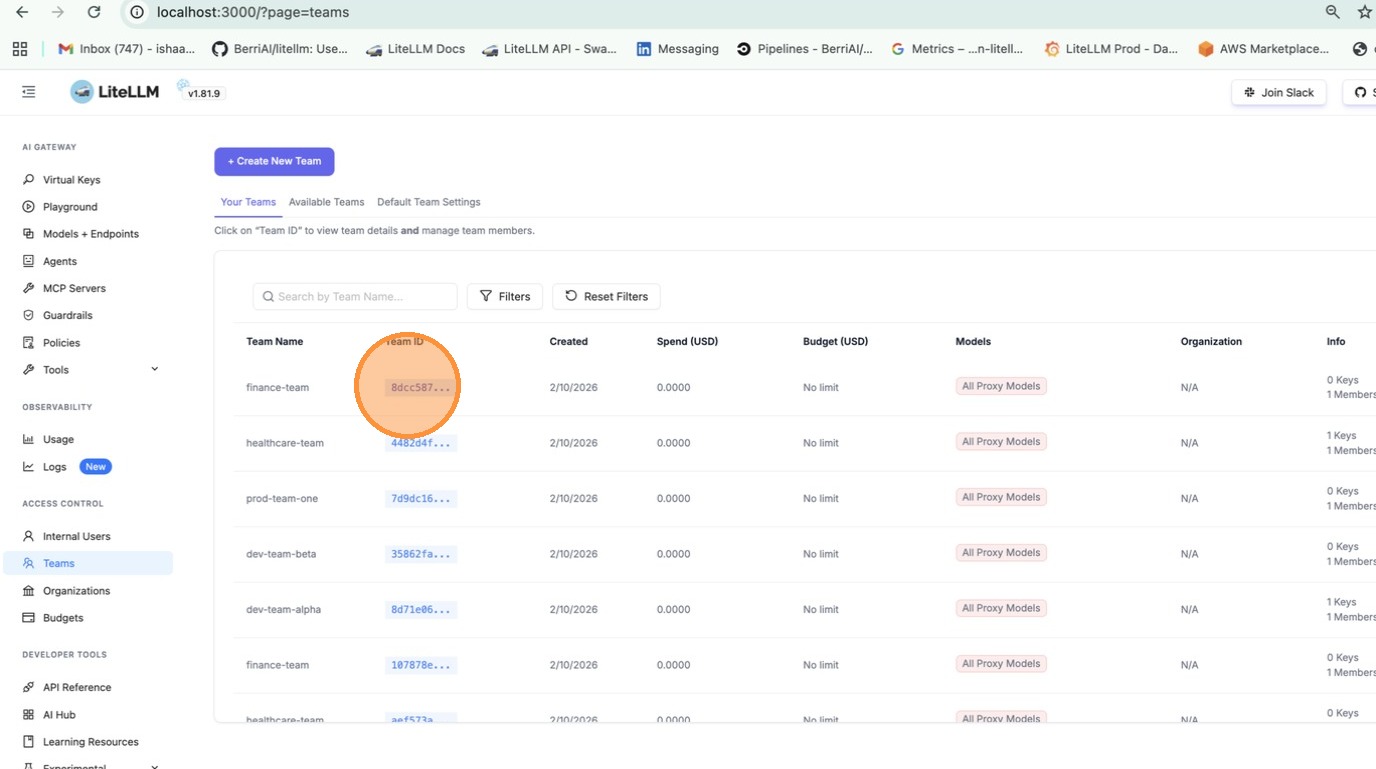
Option 2: Attach from team settings
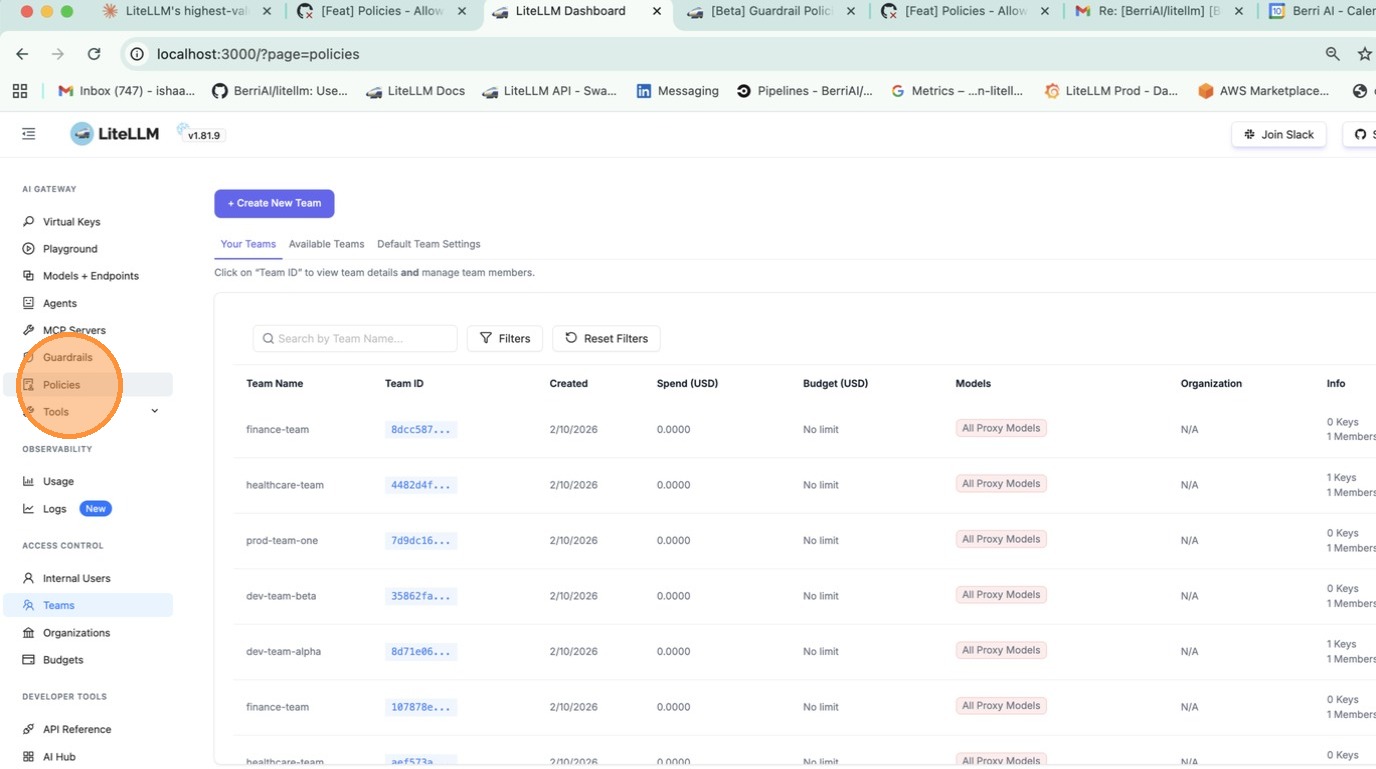
Go to Teams > click on a team > Settings tab > under Policies, select the policies to attach.
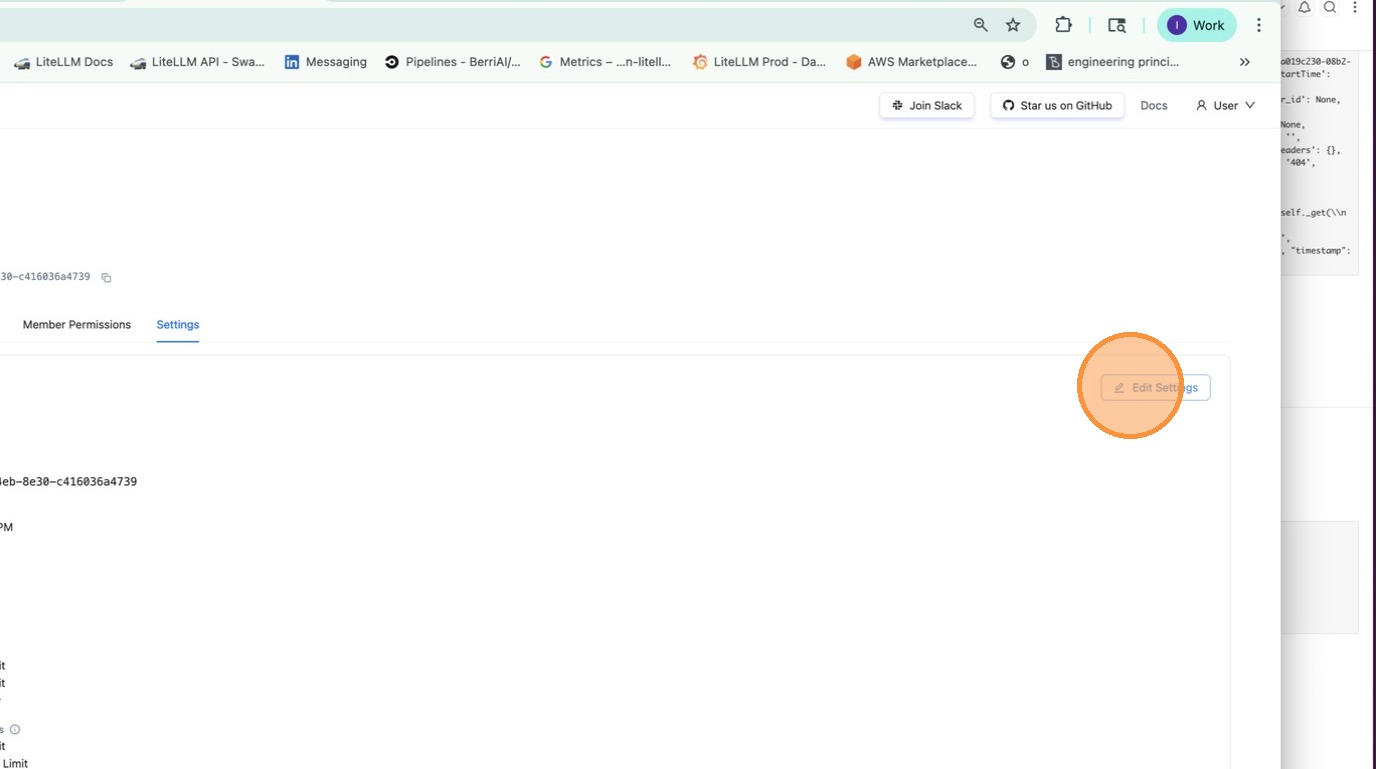
Now the finance team gets pii_masking + strict_compliance_check + audit_logger, while everyone else just gets pii_masking.
Remove guardrails for a specific team
:::info ✨ Enterprise only feature for team/key-based policy attachments. Get a free trial :::
You have guardrails running globally, but want to disable some for a specific team (e.g., internal testing).
policies:
  global-baseline:
    guardrails:
      add:
        - pii_masking
        - prompt_injection

  internal-team-policy:
    inherit: global-baseline
    guardrails:
      remove:
        - pii_masking  # don't need PII masking for internal testing

policy_attachments:
  - policy: global-baseline
    scope: "*"

  - policy: internal-team-policy
    teams:
      - internal-testing  # team alias from /team/new
Now the internal-testing team only gets prompt_injection, while everyone else gets both guardrails.
Inheritance
Start with a base policy and build on it:
policies:
  base:
    guardrails:
      add:
        - pii_masking
        - toxicity_filter

  strict:
    inherit: base
    guardrails:
      add:
        - prompt_injection

  relaxed:
    inherit: base
    guardrails:
      remove:
        - toxicity_filter
What you get:
base→[pii_masking, toxicity_filter]strict→[pii_masking, toxicity_filter, prompt_injection]relaxed→[pii_masking]
Model Conditions
Run guardrails only for specific models:
policies:
  gpt4-safety:
    guardrails:
      add:
        - strict_content_filter
    condition:
      model: "gpt-4.*"  # regex - matches gpt-4, gpt-4-turbo, gpt-4o

  bedrock-compliance:
    guardrails:
      add:
        - audit_logger
    condition:
      model:  # exact match list
        - bedrock/claude-3
        - bedrock/claude-2
Attachments
Policies don't do anything until you attach them. Attachments tell LiteLLM where to apply each policy.
Global - runs on every request:
policy_attachments:
  - policy: default
    scope: "*"
Team-specific (uses team alias from /team/new):
policy_attachments:
  - policy: hipaa-compliance
    teams:
      - healthcare-team  # team alias
      - medical-research  # team alias
Key-specific (uses key alias from /key/generate, wildcards supported):
policy_attachments:
  - policy: internal-testing
    keys:
      - "dev-*"  # key alias pattern
      - "test-*"  # key alias pattern
Tag-based (matches keys/teams by metadata tags, wildcards supported):
policy_attachments:
  - policy: hipaa-compliance
    tags:
      - "healthcare"
      - "health-*"  # wildcard - matches health-team, health-dev, etc.
Tags are read from key and team metadata.tags. For example, a key created with metadata: {"tags": ["healthcare"]} would match the attachment above.
Test Policy Matching
Debug which policies and guardrails apply for a given context. Use this to verify your policy configuration before deploying.
Go to Policies > Test tab. Enter a team alias, key alias, model, or tags and click Test to see which policies match and what guardrails would be applied.
curl -X POST "http://localhost:4000/policies/resolve" \\
    -H "Authorization: Bearer <your_api_key>" \\
    -H "Content-Type: application/json" \\
    -d '{
        "tags": ["healthcare"],
        "model": "gpt-4"
    }'
Response:
{
    "effective_guardrails": ["pii_masking"],
    "matched_policies": [
        {
            "policy_name": "hipaa-compliance",
            "matched_via": "tag:healthcare",
            "guardrails_added": ["pii_masking"]
        }
    ]
}
Policy Flow Builder
For conditional execution (e.g., run a second guardrail only if the first fails), use the Policy Flow Builder to define pipelines with per-step pass, fail, and optional error actions (on_pass, on_fail, on_error).
Config Reference
policies
policies:
  <policy-name>:
    description: ...
    inherit: ...
    guardrails:
      add: [...]
      remove: [...]
    condition:
      model: ...
    pipeline: ...  # optional; see Policy Flow Builder
| Field | Type | Description |
|---|---|---|
description | string | Optional. What this policy does. |
inherit | string | Optional. Parent policy to inherit guardrails from. |
guardrails.add | list[string] | Guardrails to enable. |
guardrails.remove | list[string] | Guardrails to disable (useful with inheritance). |
condition.model | string or list[string] | Optional. Only apply when model matches. Supports regex. |
pipeline | object | Optional. Ordered guardrail execution with per-step actions (on_pass, on_fail, optional on_error). See Policy Flow Builder. |
policy_attachments
policy_attachments:
  - policy: ...
    scope: ...
    teams: [...]
    keys: [...]
    models: [...]
    tags: [...]
| Field | Type | Description |
|---|---|---|
policy | string | Required. Name of the policy to attach. |
scope | string | Use "*" to apply globally. |
teams | list[string] | Team aliases (from /team/new). Supports * wildcard. |
keys | list[string] | Key aliases (from /key/generate). Supports * wildcard. |
models | list[string] | Model names. Supports * wildcard. |
tags | list[string] | Tag patterns (from key/team metadata.tags). Supports * wildcard. |
Response Headers
| Header | Description |
|---|---|
x-litellm-applied-policies | Policies that matched this request |
x-litellm-applied-guardrails | Guardrails that actually ran |
x-litellm-policy-sources | Why each policy matched (e.g., hipaa=tag:healthcare; baseline=scope:*) |
How it works
Example config:
policies:
  base:
    guardrails:
      add: [pii_masking]

  finance-policy:
    inherit: base
    guardrails:
      add: [audit_logger]

policy_attachments:
  - policy: base
    scope: "*"
  - policy: finance-policy
    teams: [finance]
flowchart TD
    A["Request with team_alias='finance'"] --> B["Matches policies: base, finance-policy"]
    B --> C["Resolves guardrails: pii_masking, audit_logger"]
- Request comes in with
team_alias='finance' - Matches
base(viascope: "*") andfinance-policy(viateams: [finance]) - Resolves guardrails:
baseaddspii_masking,finance-policyinherits and addsaudit_logger - Final guardrails:
pii_masking,audit_logger